
Revolutionize Image Creation with GPT Image 1.5
GPT Image 1.5 transforms ChatGPT image generation with precise edits and lightning-fast results. This new ChatGPT image generator understands your vision and delivers it with remarkable accuracy, preserving lighting, composition, and essential details whether you're creating fresh or editing photos.
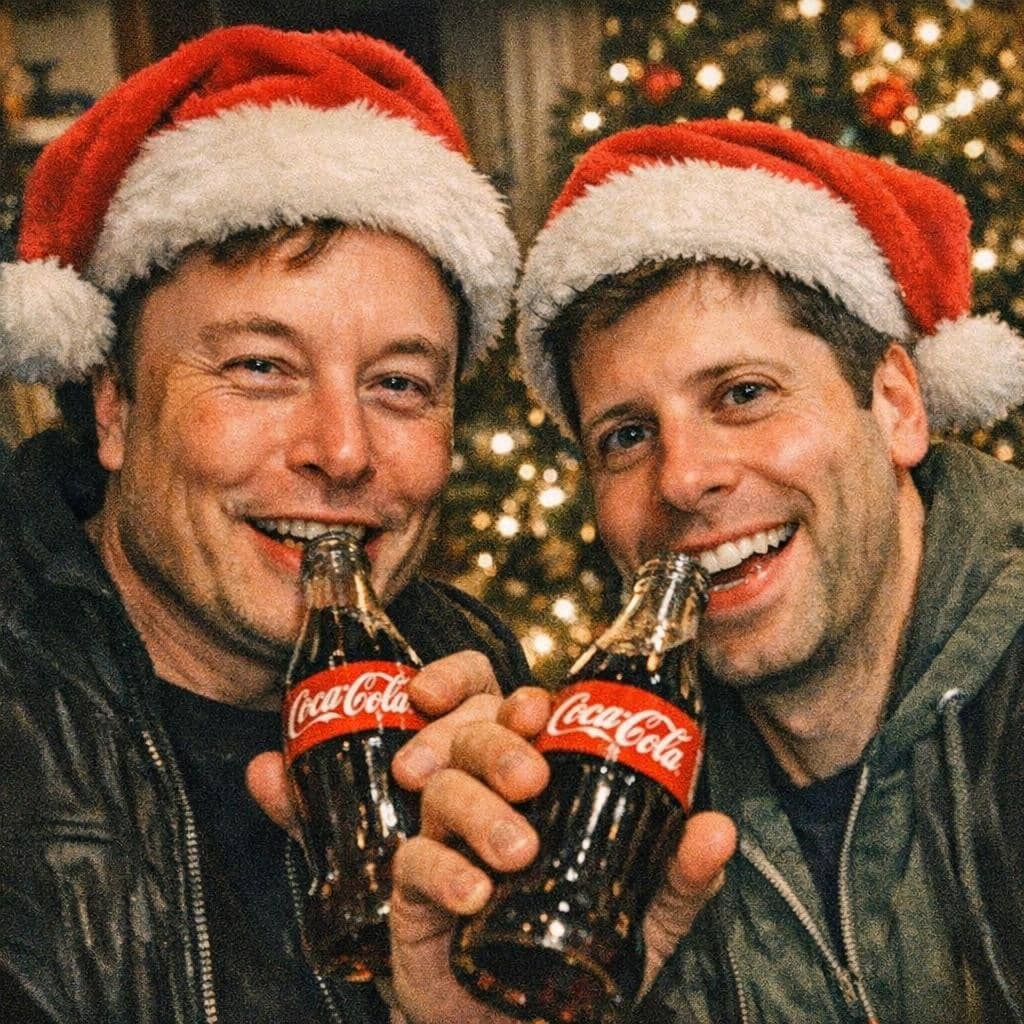
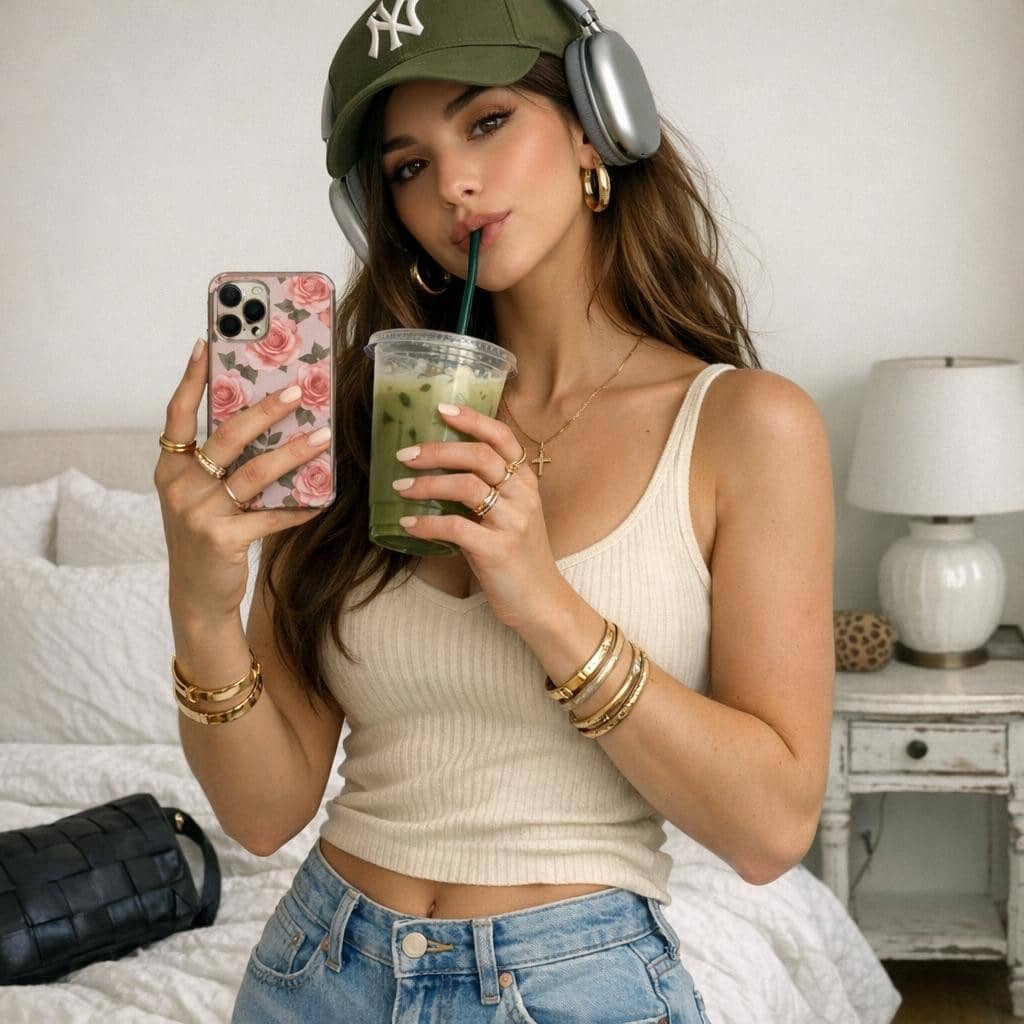
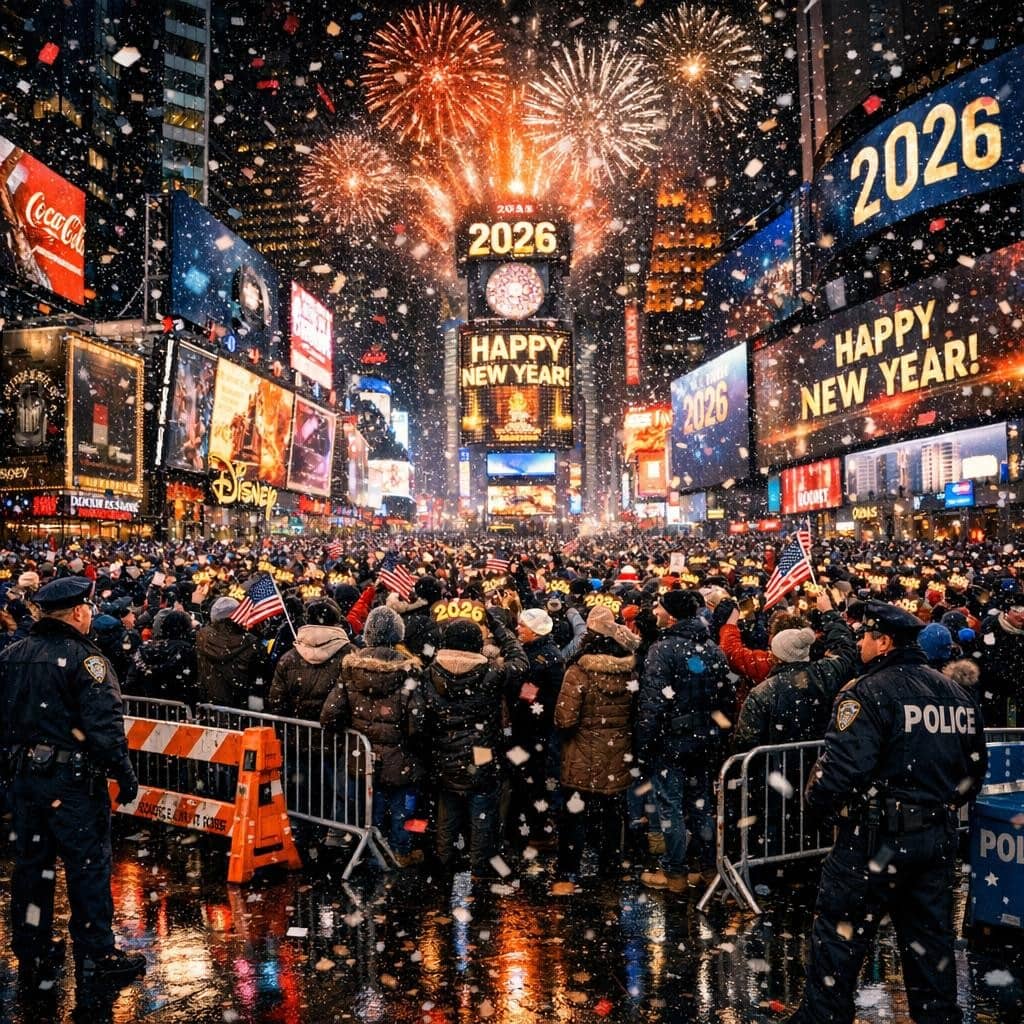
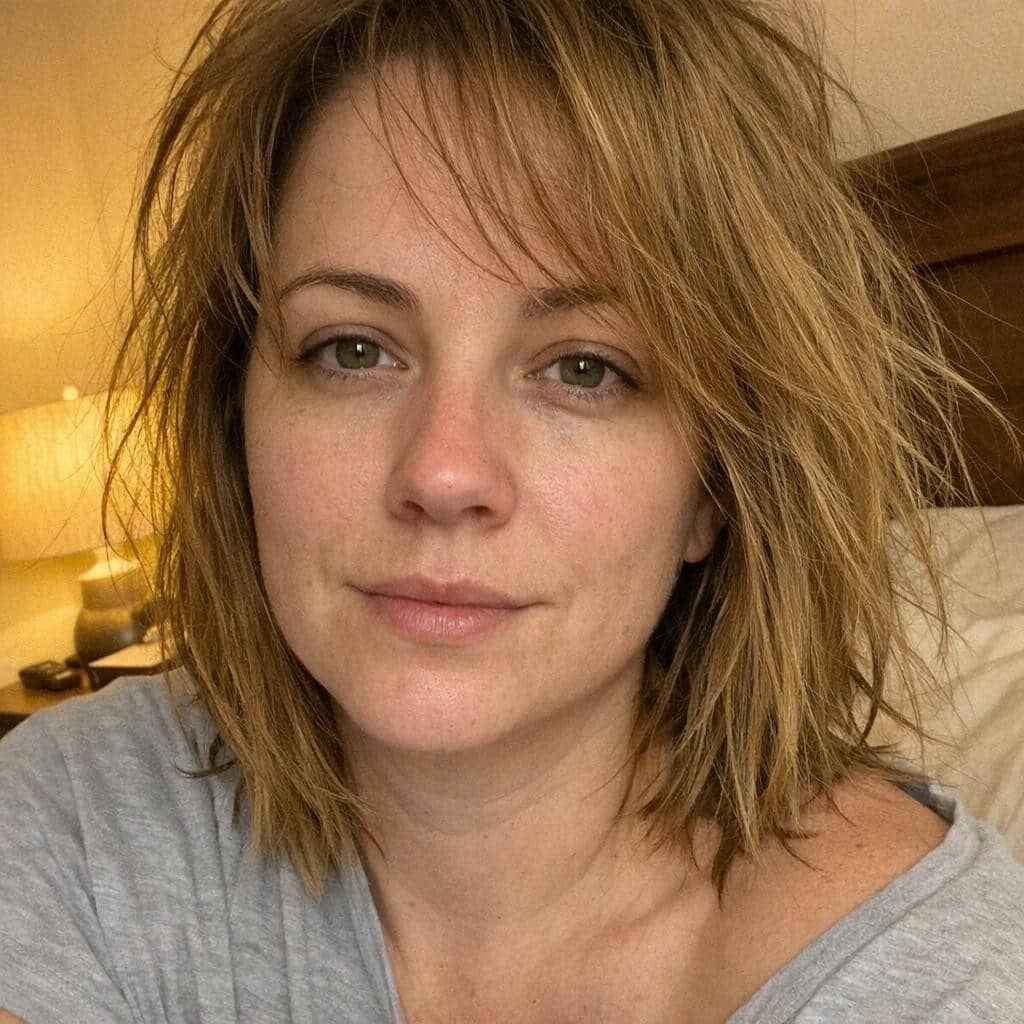
Create Stunning Images in Seconds
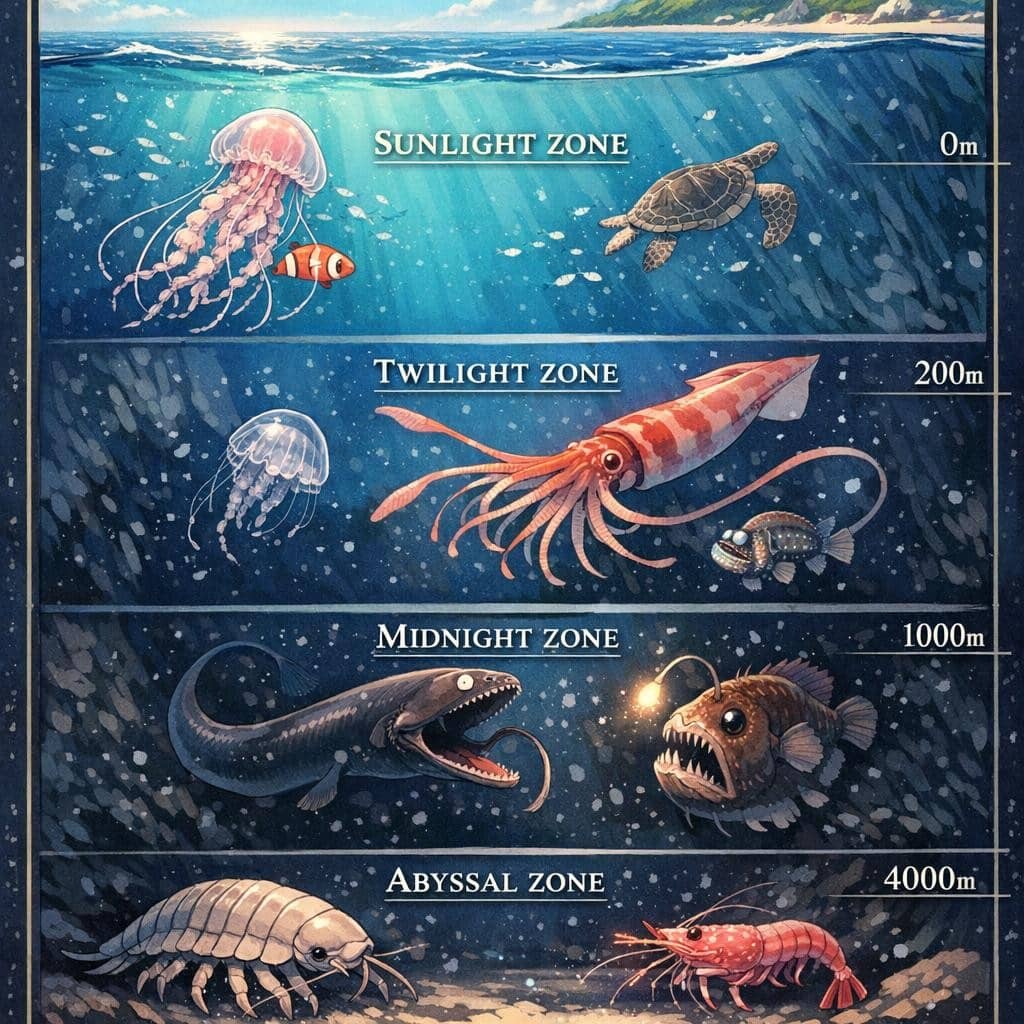
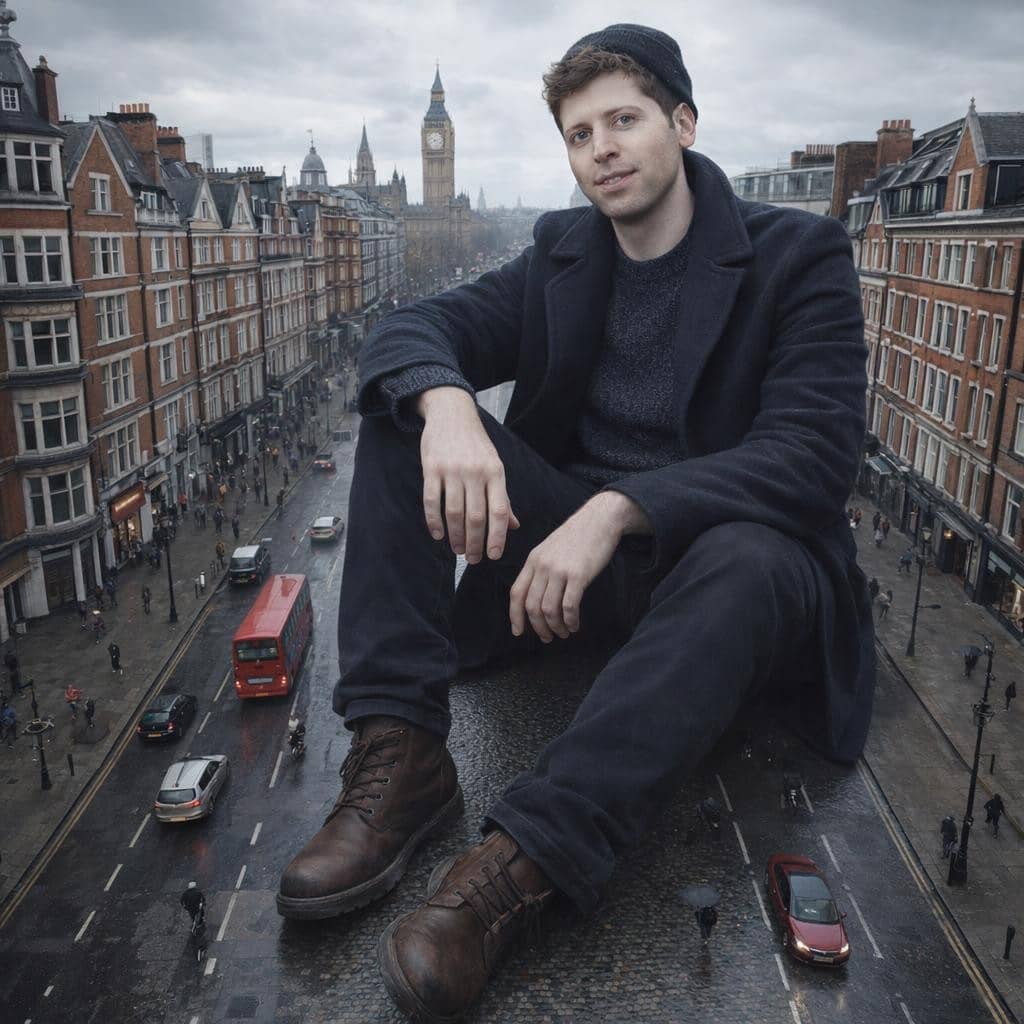
With the new ChatGPT image generator, bring your imagination to life instantly. GPT Image 1.5 generates high-quality visuals up to 4x faster than before, making creative exploration effortless. Simply describe what you envision, and watch as your ideas materialize with stunning clarity and detail.
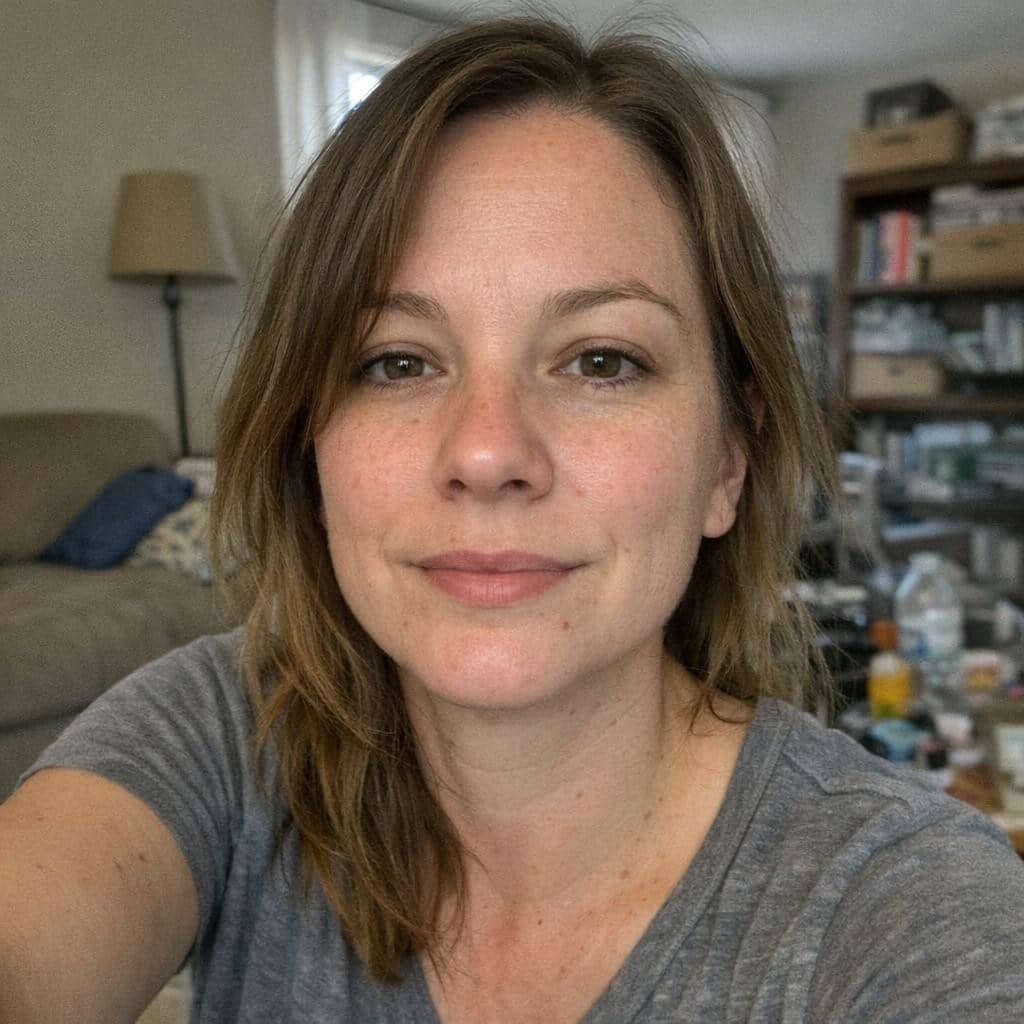
Edit Photos with Pinpoint Accuracy
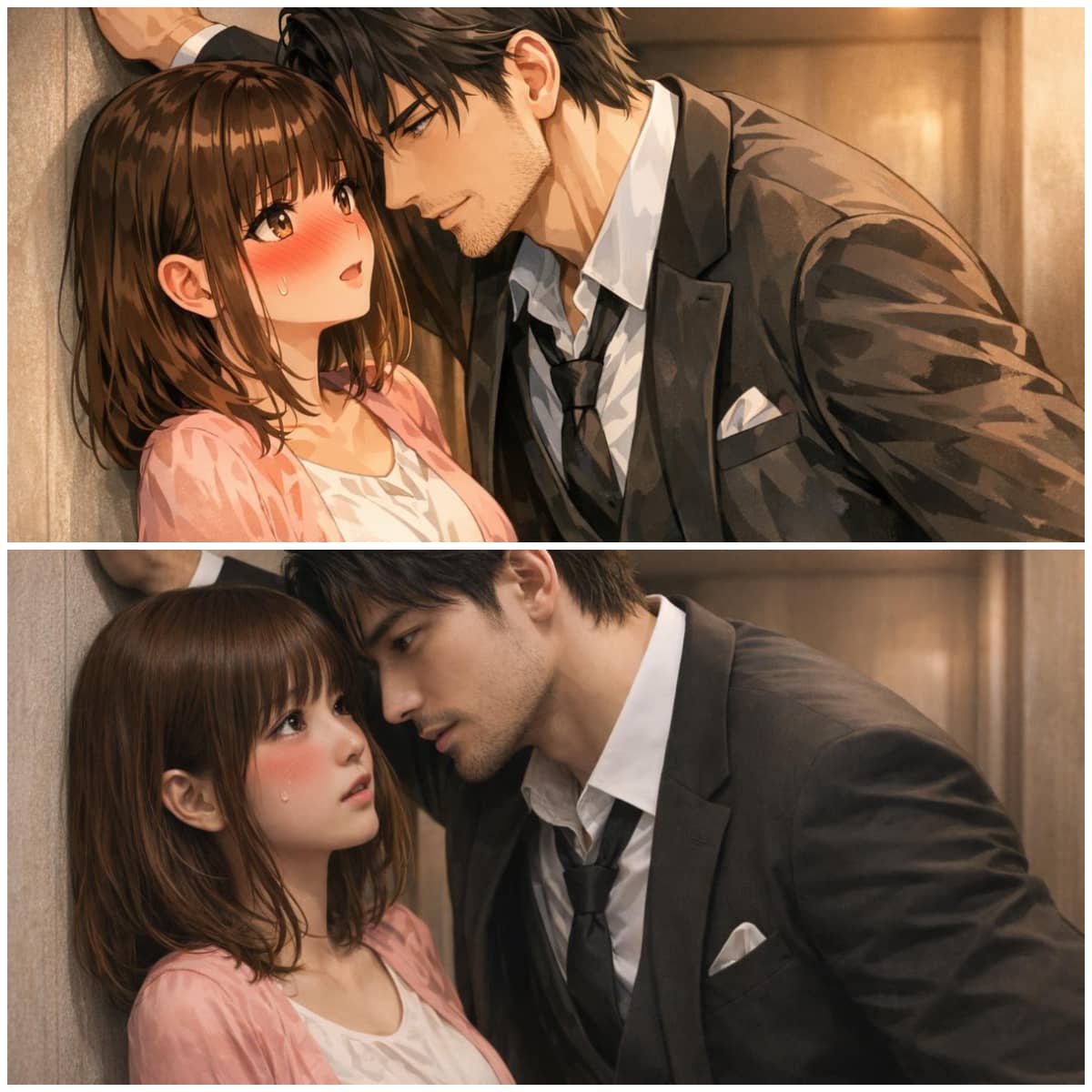
Transform existing images while keeping what matters most intact. This advanced ChatGPT image generation tool changes only what you request, preserving lighting, composition, and facial features. Try different hairstyles, swap clothing, or apply artistic filters while maintaining consistency.

Render Text Flawlessly in Your Images
GPT Image 1.5 excels at incorporating text into your designs with unprecedented accuracy. The new ChatGPT image generator handles dense paragraphs and small fonts effortlessly, making it perfect for creating posters, social media graphics, or any visual content requiring clear, readable text within the composition.

Transform Ideas with Creative Intelligence
Unlock limitless creative possibilities with intelligent transformations that understand context. Whether you're blending multiple concepts, adding new elements, or reimagining entire scenes, GPT Image 1.5 follows your instructions reliably while preserving the essence and important details of your original vision.
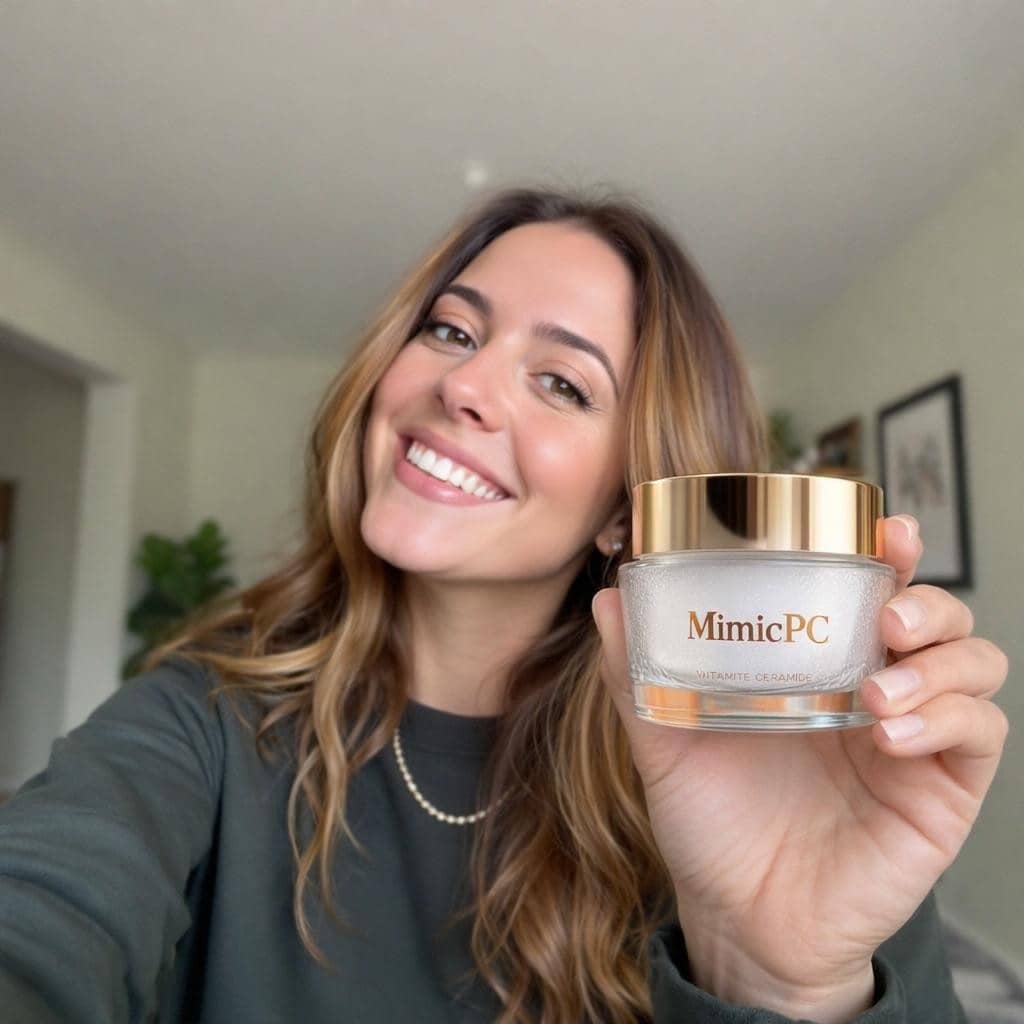
Generate Multiple Format Options
Download your creations in various formats to suit any need. GPT Image 1.5 supports PNG with transparent backgrounds, perfect for logos and graphics, plus standard formats for photos. This ChatGPT image generation flexibility ensures your visuals work seamlessly across all platforms and projects.

How to Use MimicPC GPT Image 1.5
Step 1
Describe Your Vision: Enter a text prompt describing the image you want to create using natural language.
Step 2
Upload Your Photo (Optional): Add an existing image if you want to edit or transform it with ChatGPT image generation.
Step 3
Generate and Save: Click Generate to create your image, then preview the result and download your creation.
FAQs

What is GPT Image 1.5?
How does ChatGPT image generation differ from other tools?
Can I edit existing photos with GPT Image 1.5?
What types of edits can GPT Image 1.5 perform?