
Generate Professional Images with FLUX 2 Pro
FLUX 2 Pro delivers photorealism, complex compositions, text rendering, and multi-reference support for professional workflows like ad variants, product photography, architectural visualization, AI influencers, and high-volume e-commerce campaigns.


Maintain Consistency with Multi-Reference Support
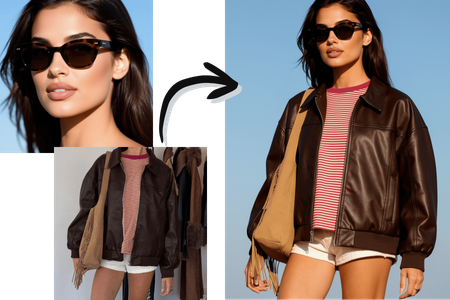
Reference up to 3 images simultaneously to blend elements seamlessly. This feature preserves identity, geometry, textures, materials, and wardrobe across outputs. It reduces manual adjustments by intelligently preserving details, making it suitable for consistent series-based creative work.
Achieve Photorealism at High Resolutions
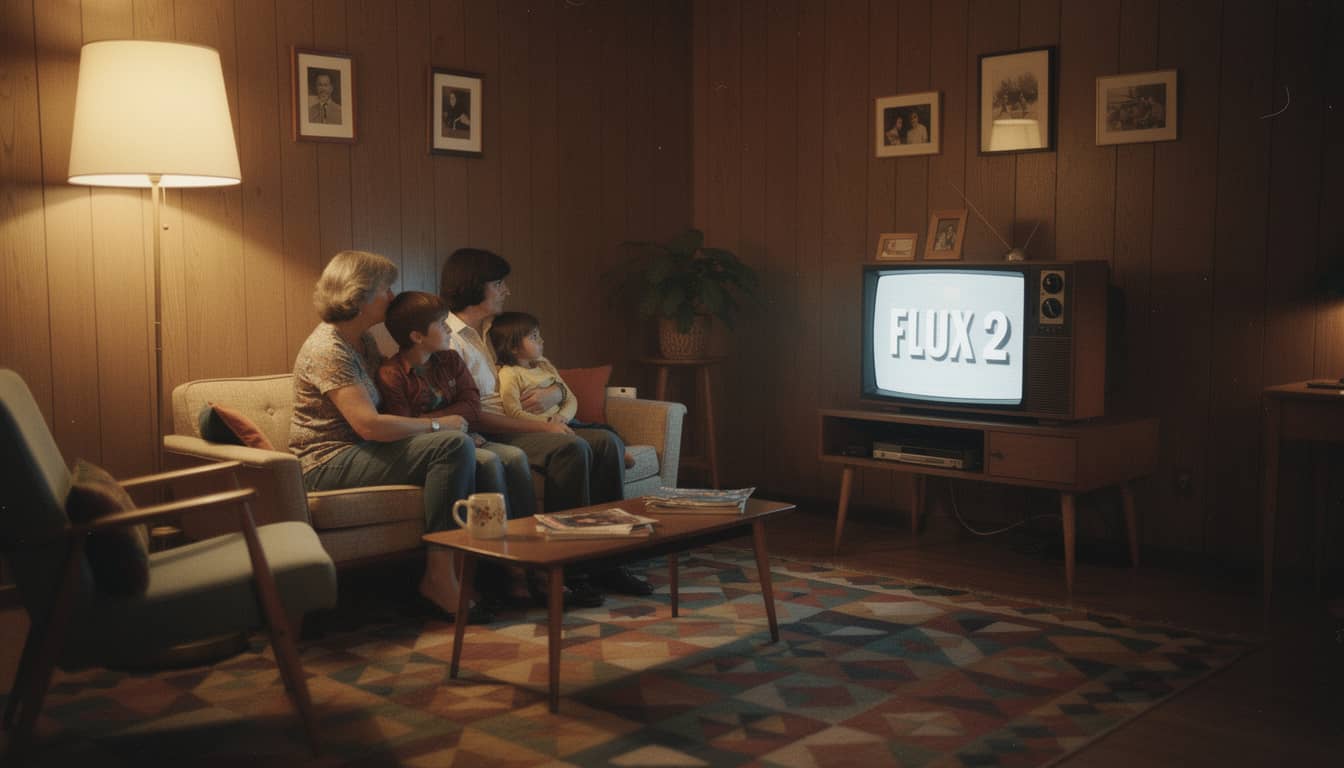
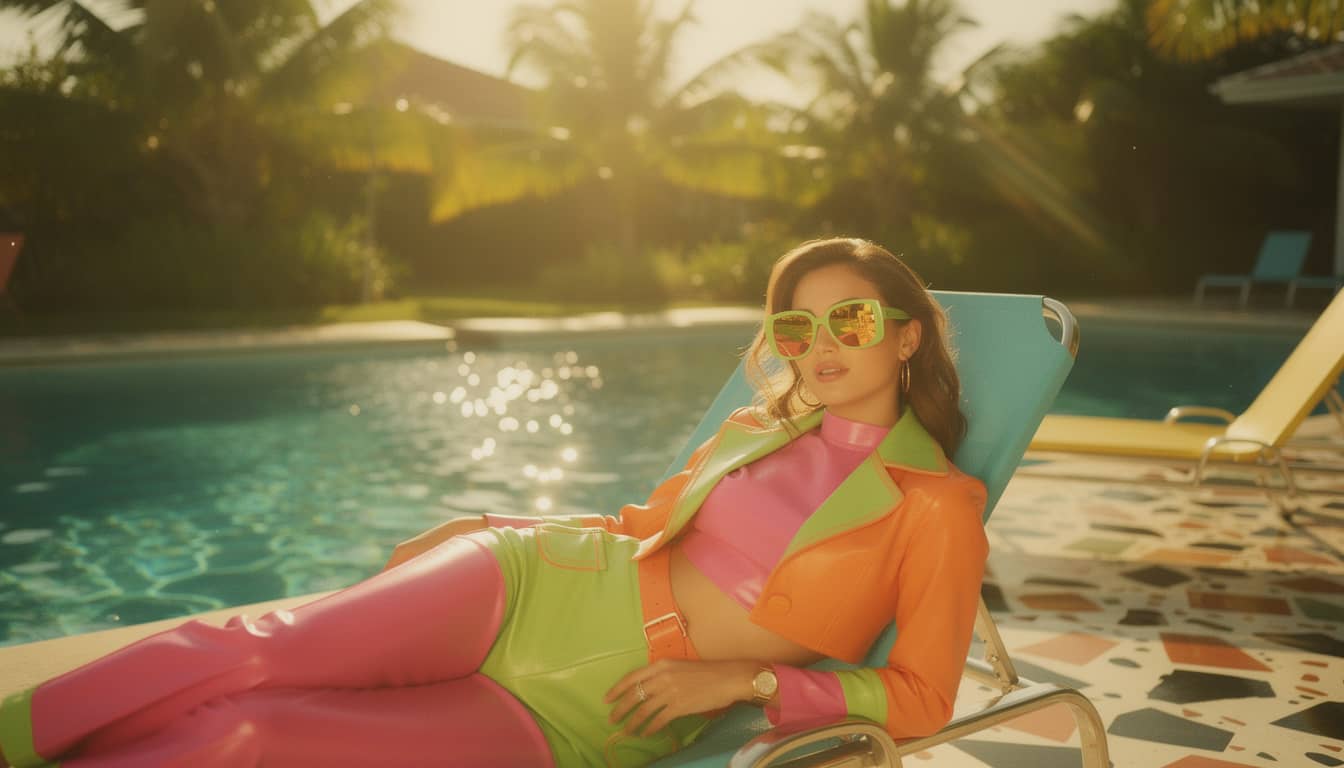
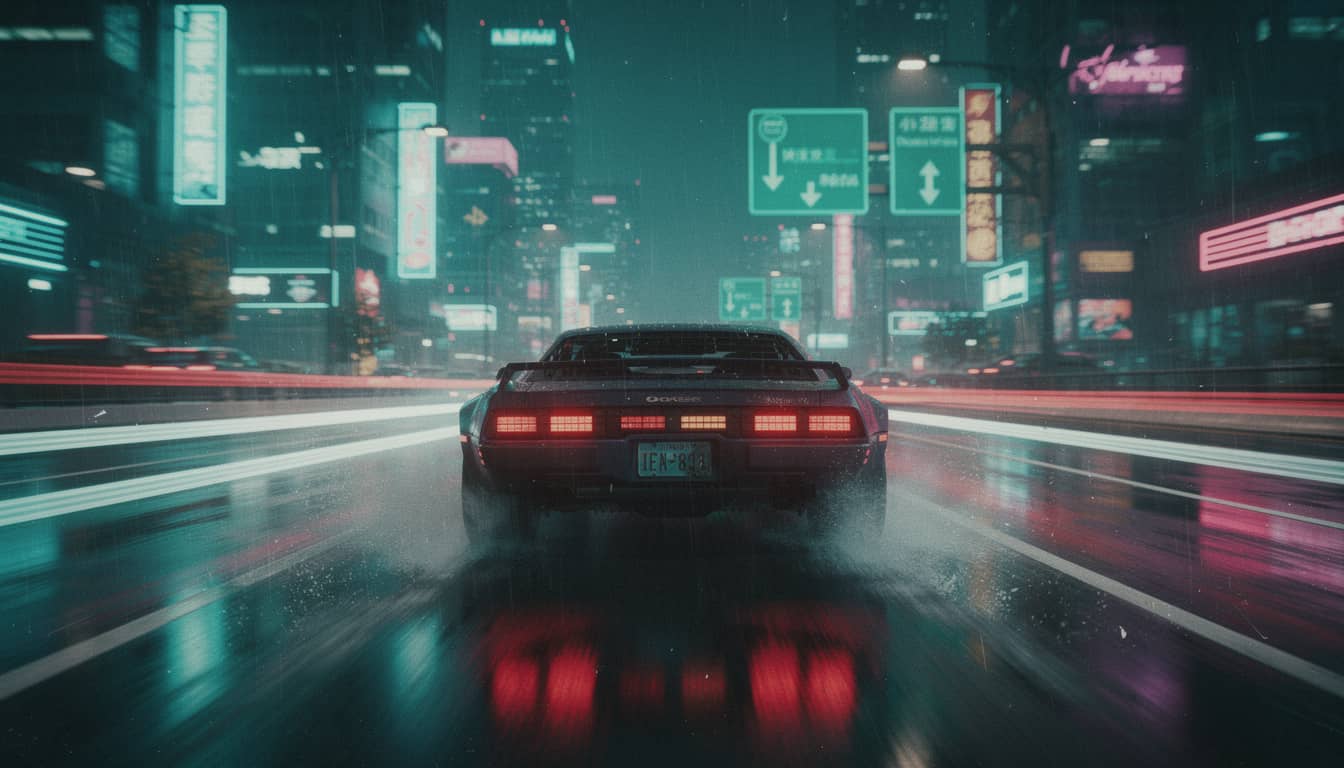
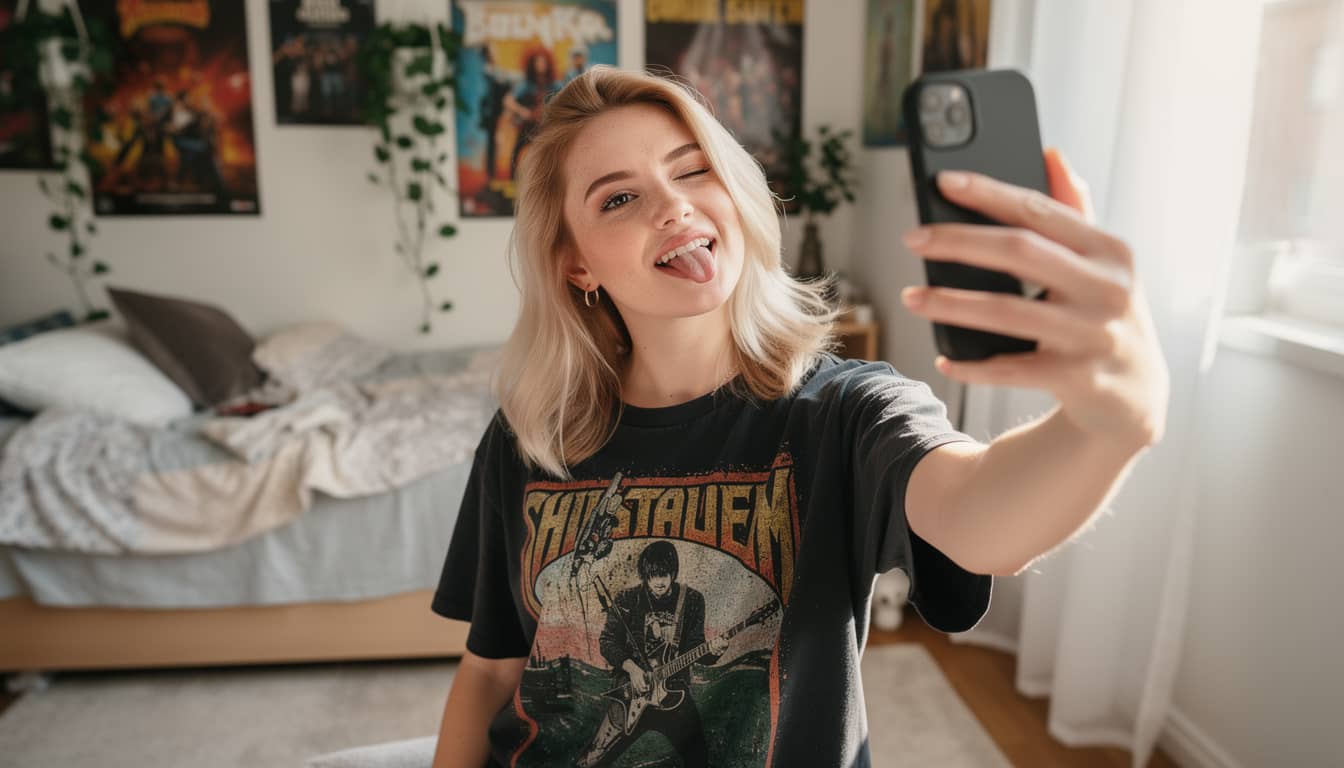
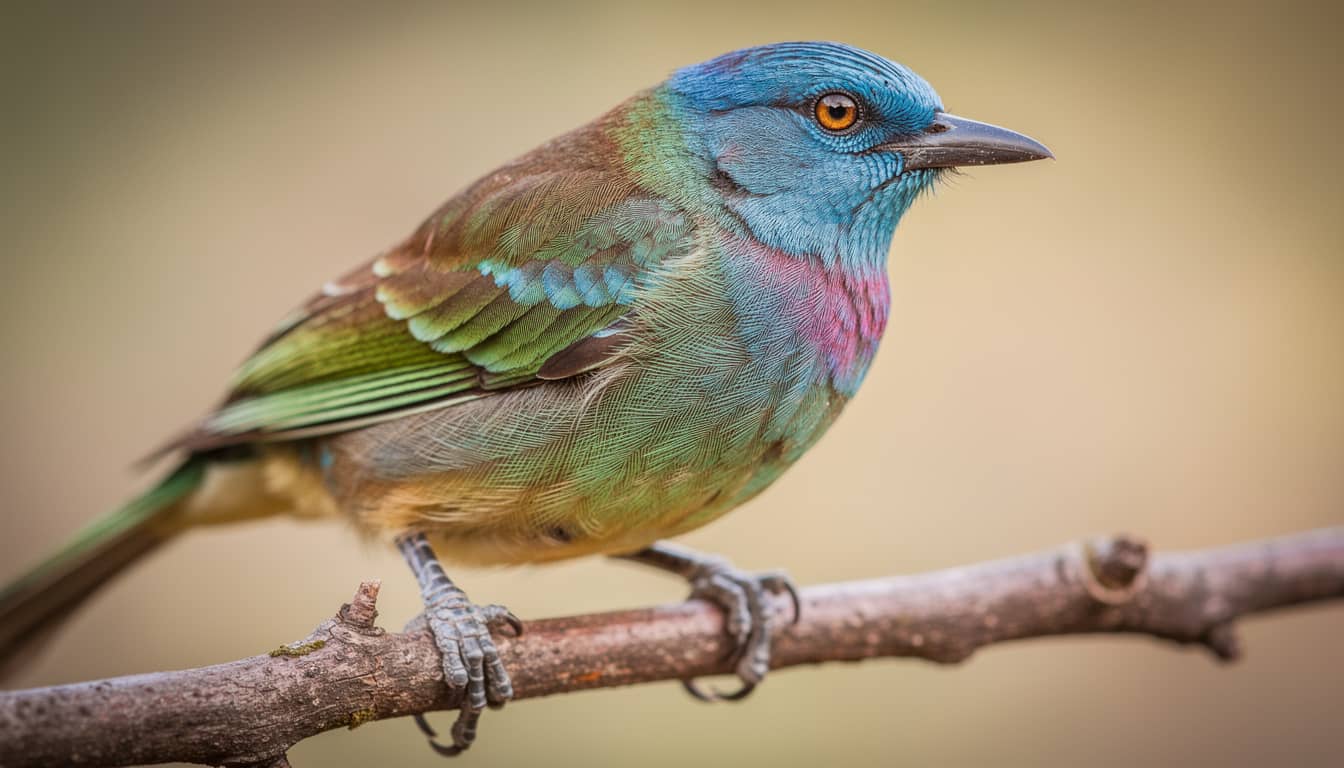
Generate and edit images at up to 4 megapixels with sharp textures and lifelike details. The model ensures stable, natural lighting with realistic shadows and reflections. It handles physics-aware scenes and complex compositions, delivering high-fidelity results for architectural visualization and product mockups.
Render Accurate Text and Complex Prompts
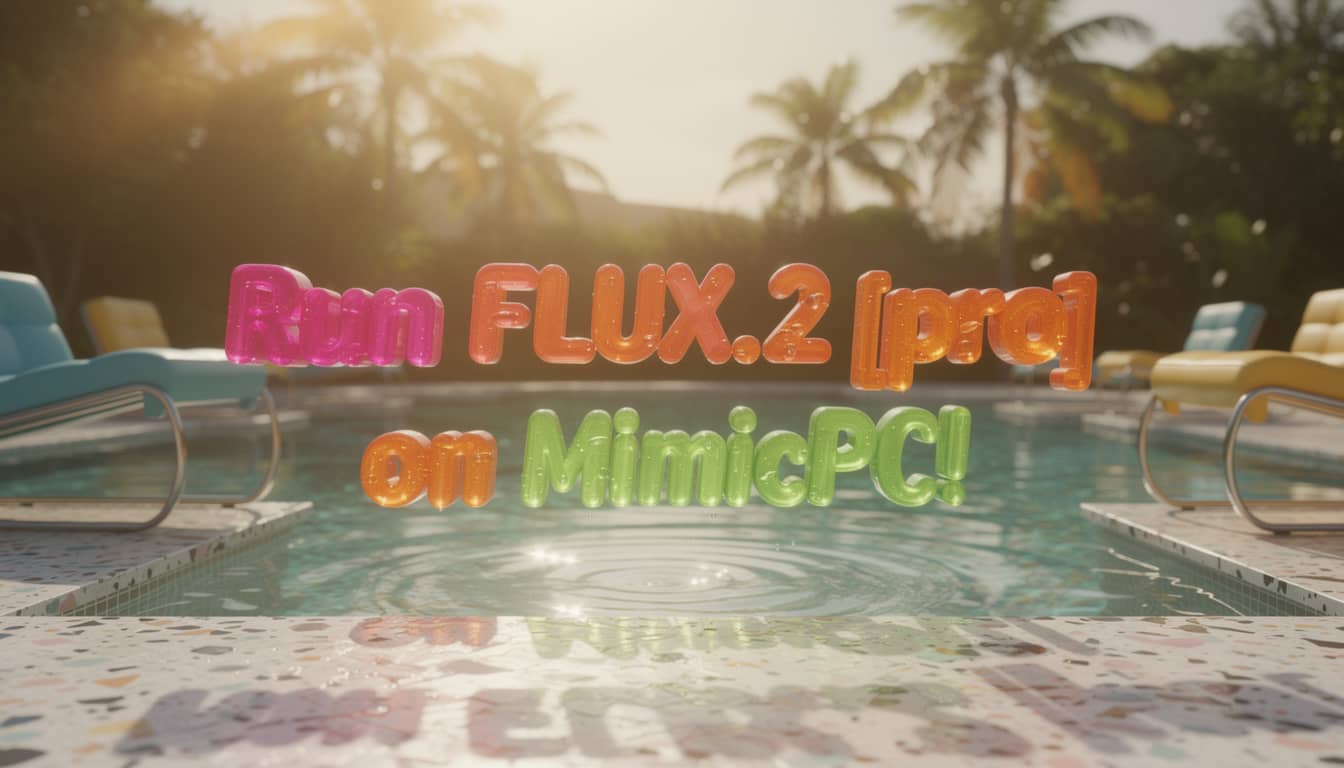
Integrate reliable text, complex typography, and infographics directly into images. The model adheres strictly to multi-part, structured instructions and utilizes real-world knowledge for spatial logic. This minimizes glitches and manual cleanup for UI mockups, memes, and multi-language content.
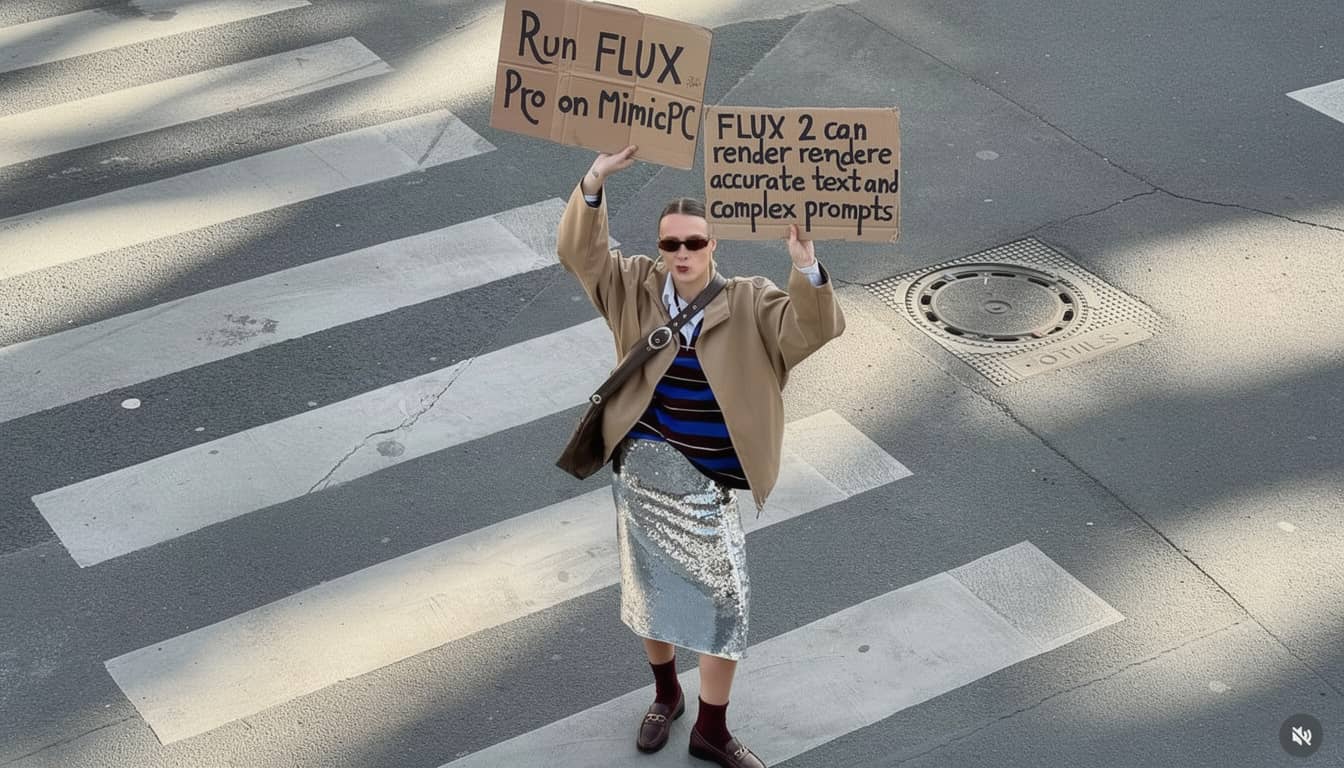
Edit Images via Unified Text Instructions
Combine generation and editing in a single model without separate tools. Use natural language to describe changes, such as replacing backgrounds or adjusting specific elements. The system blends multiple reference images during the editing process to prevent artifacts and ensure professional coherence.
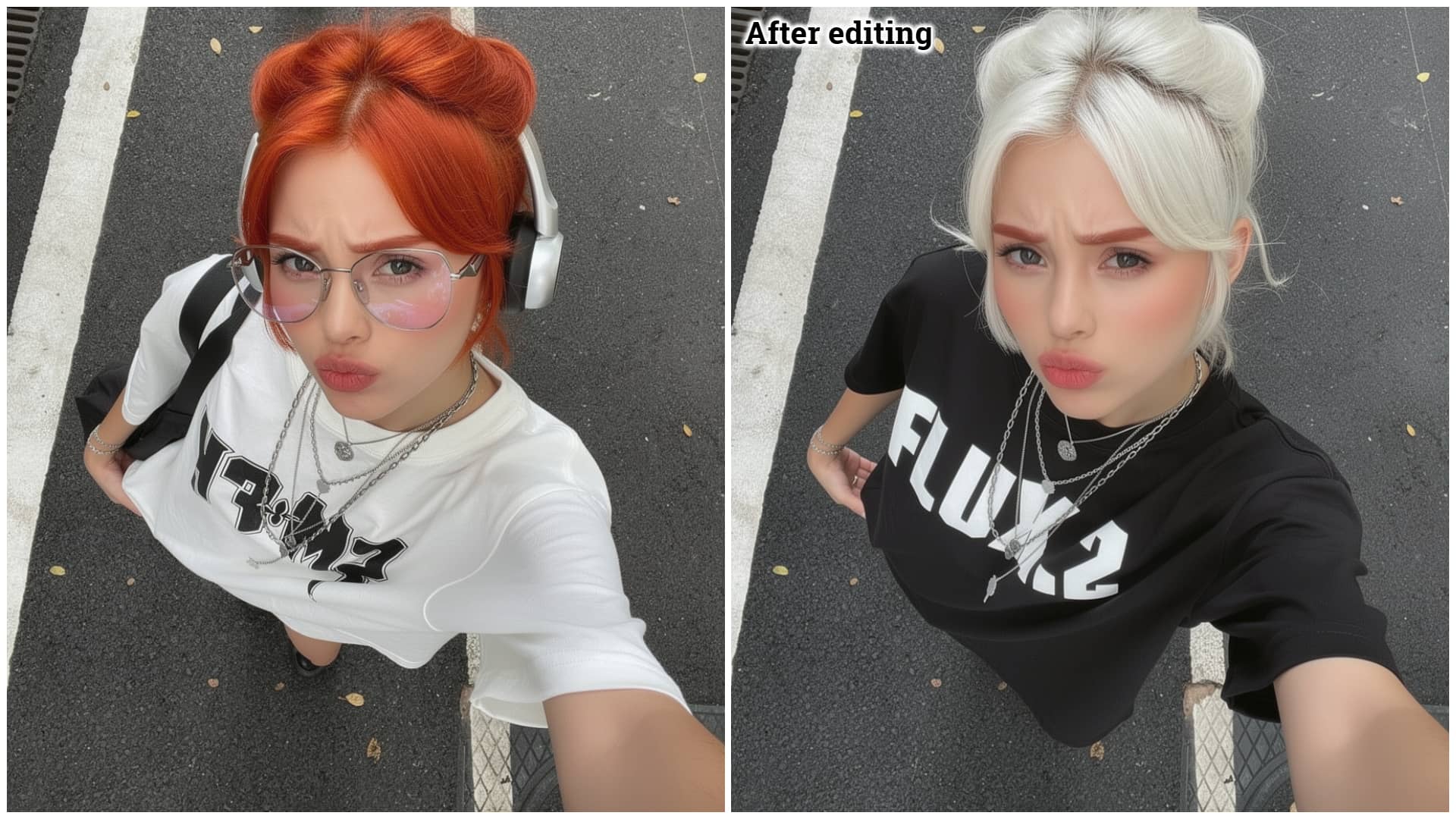
Master Style Transfer with Single-Image Input
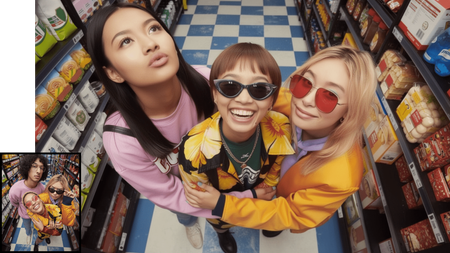
Generate highly similar visuals by inputting just a single reference photo. FLUX.2 captures the specific style, composition, and atmosphere for seamless transfer. Streamline the creation of artistic variations and replicate specific looks instantly without complex prompting.
How to Use MimicPC FLUX 2 Pro
Step 1
Enter a Prompt: Input a specific text description of the desired image.
Step 2
Upload References (Optional): Add up to 3 images to define structure, style, or character identity.
Step 3
Configure & Generate: Select the Aspect Ratio and Output Format, then click Generate.
FAQs

What is FLUX 2 Pro?
Is commercial use allowed?
Can FLUX 2 render text?
What are the output formats?
Is local hardware required?