
Best Face Swap AI Tool
By@Nano Banana Pro
Image2Image
Photo Effects
INPUT
Transform Your Photos with the Best Face Swap AI Tool
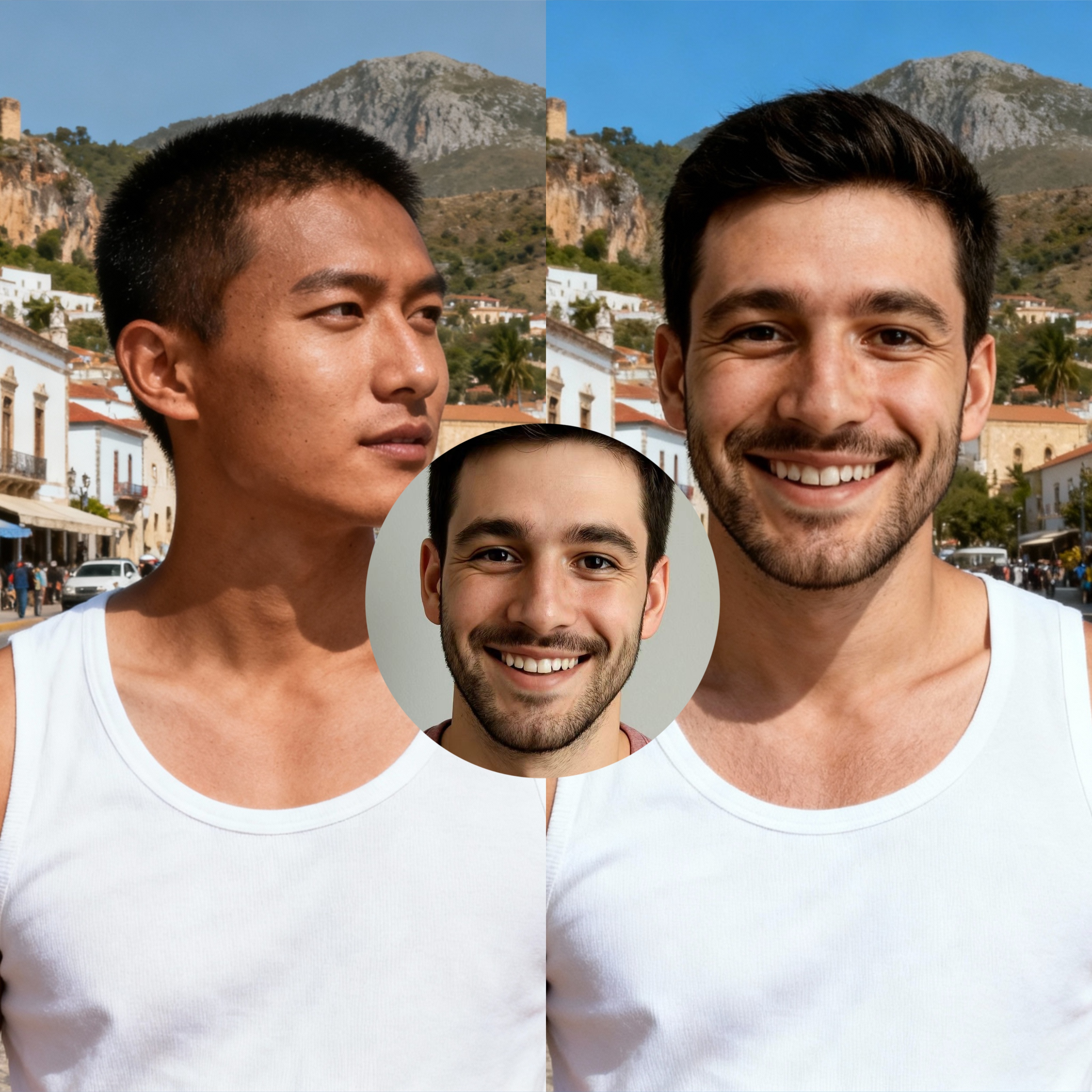
Our best face swap AI tool lets you transform any photo effortlessly, producing realistic, natural results. Seamlessly replace faces while preserving expressions, skin tones, and details. Ideal for creative projects, marketing campaigns, or personal use, it delivers professional-quality swaps in just a few clicks.


Swap Faces in a Flash
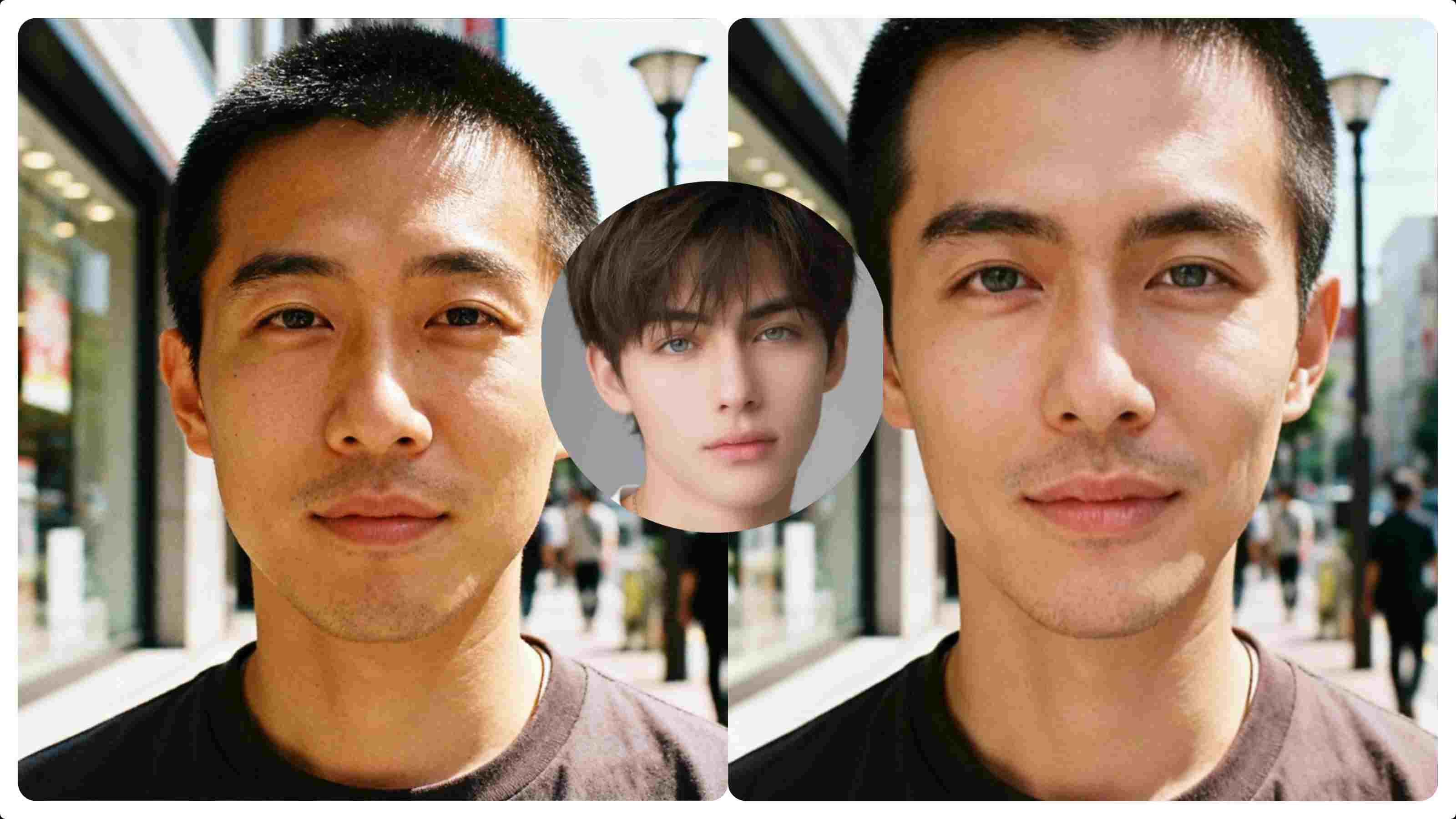
Discover the best face swap app that lets you seamlessly replace faces in photos while maintaining natural lighting, authentic expressions, and overall visual harmony, delivering professional-quality, highly realistic results in seconds—try one of the top AI face swap tools for free today.
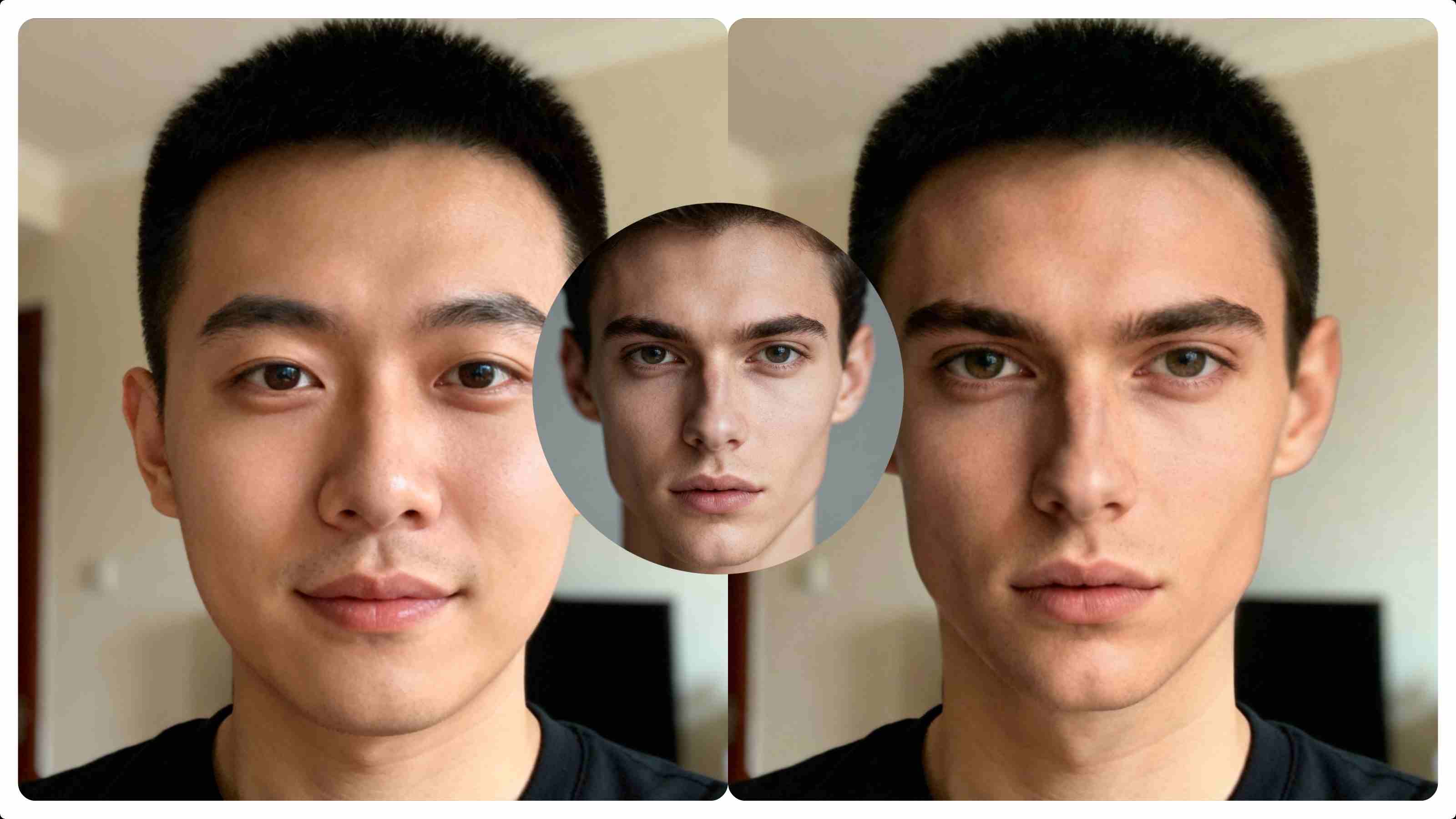
Achieve Seamless Face Swaps with Photorealistic Results
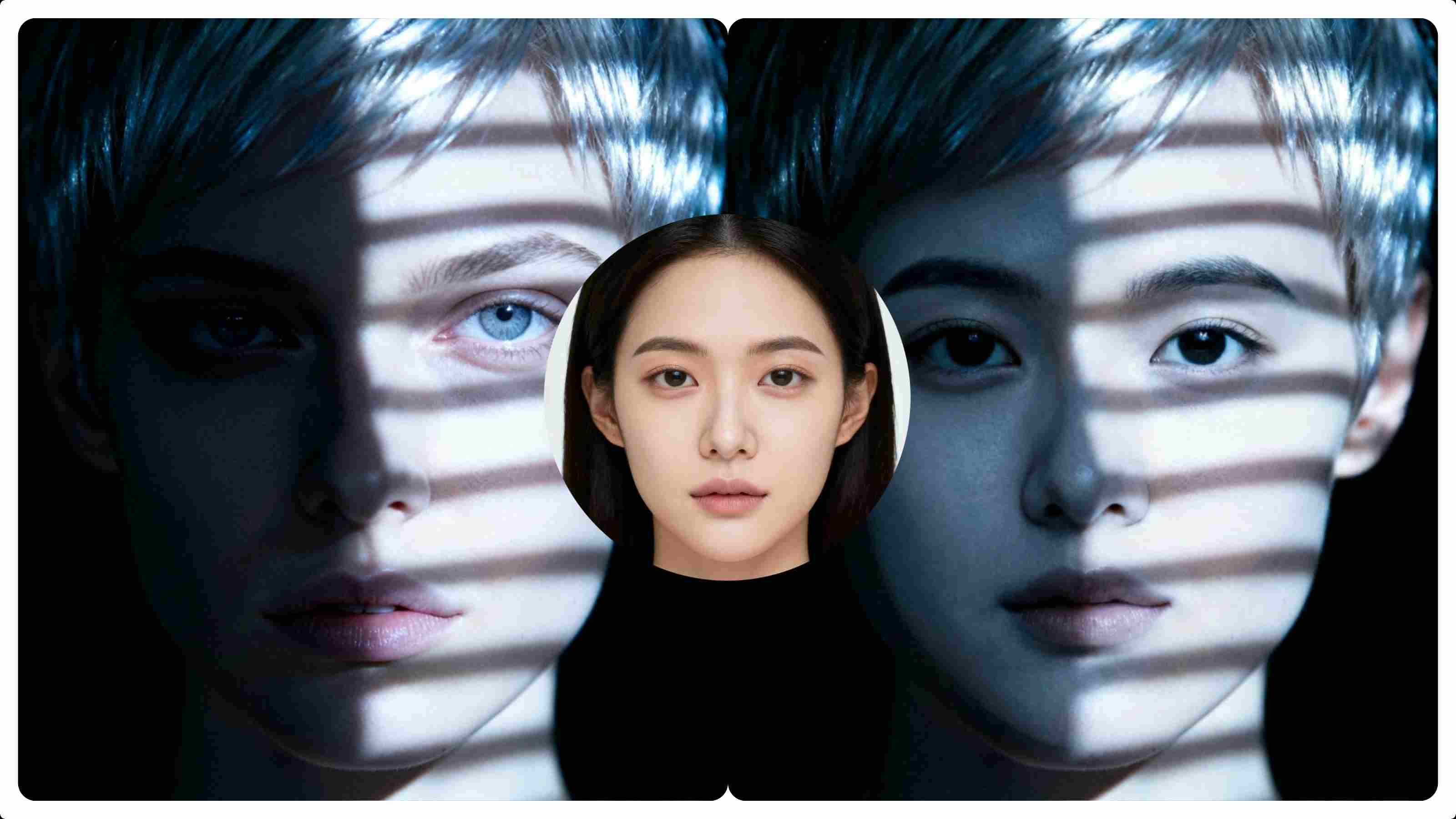
Our best face swap AI tool uses deep learning to analyze facial structure, lighting, and expressions in detail, ensuring every swap aligns naturally. By matching skin tones and blending edges with precision, it produces authentic, virtually undetectable results while preserving photo quality and realistic detail.

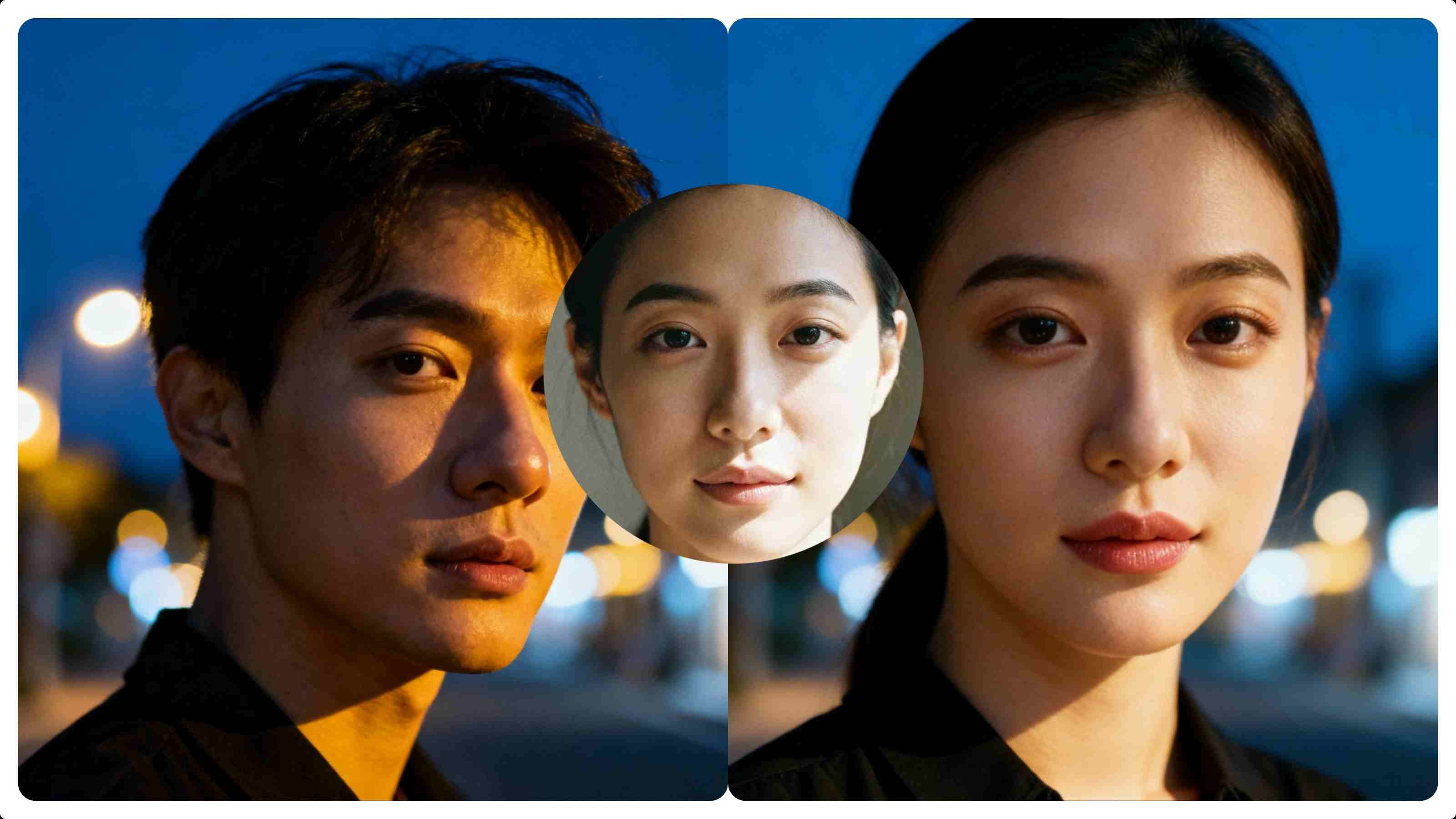
Swap Faces Naturally Across Genders
Transform faces naturally between any gender with our photo face swap technology, which intelligently adapts facial features, expressions, and skin tones for authentic results. Whether male to female, female to male, or exploring any identity, it delivers seamless, realistic swaps while preserving photo quality.

How to Use MimicPC Best Face Swap AI Tool
Step 1
Upload Your Photo: Choose a single image—portraits or product shots work best.
Step 2
Click to Generate: Activate our AI face swap process with one click.
Step 3
Save Your Result: Preview, refine if desired, and download your transformed photo.
FAQs

What makes this the Best Face Swap AI Tool?
How long does face swapping take?
Can I use swapped images commercially?